Return Shipping Labels for Not as Described Product Returns
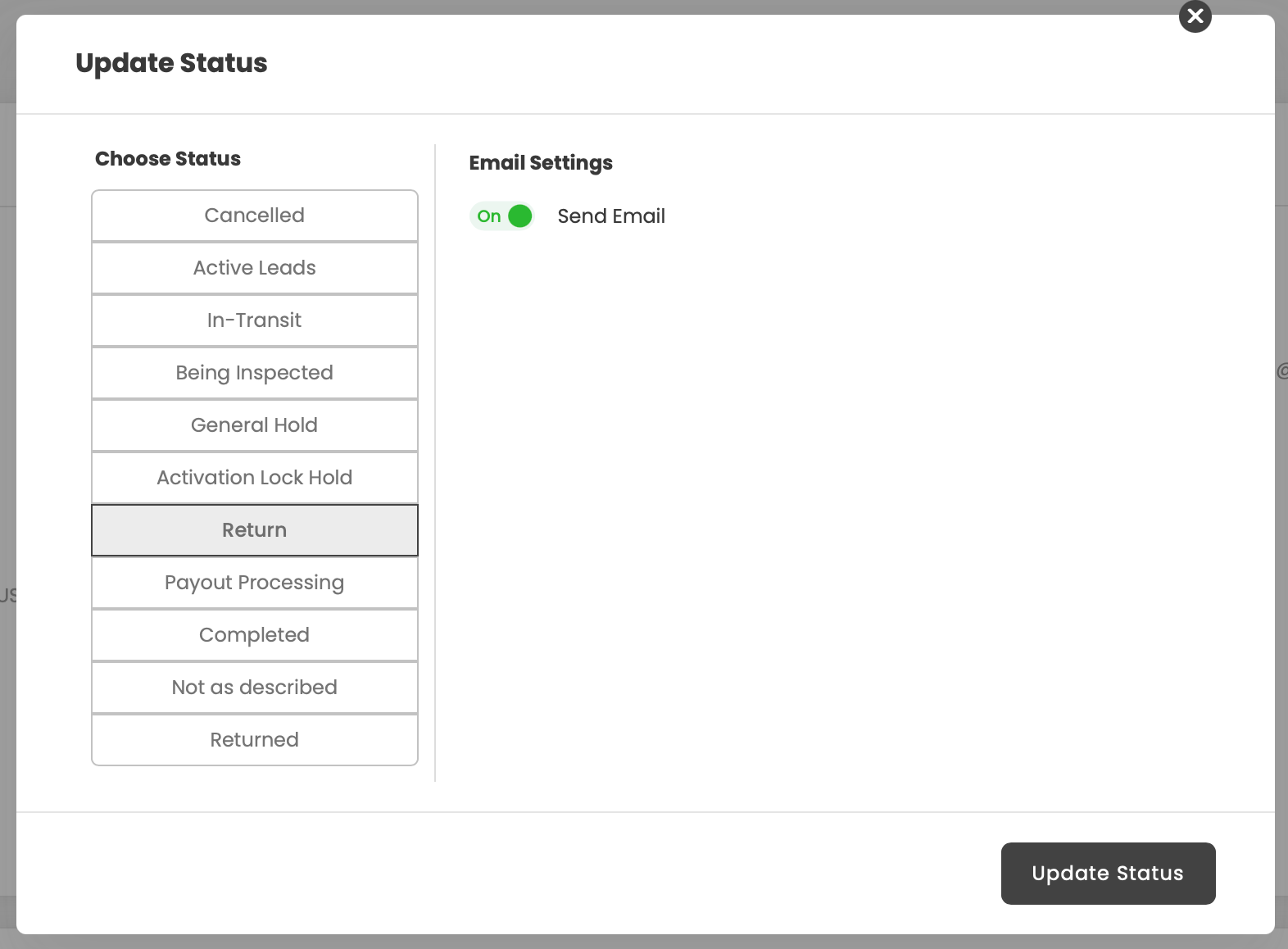
When changing a order status to "Return" we should add an option/button to use EasyPost / ShipEngine to create a new shipping label to automate any Return To Sender encounter.
For Example, Order 1234 arrived not as described, the customer has declined the revised offer, and now the team needs to process a return. Currently, there is an option to obtain a "Address Label" from within the order but that doesnt necessarily mean a return tracking label. >> Additional time is then spent, purchasing a 3rd party label and manually inputting tracking information.
My envision is the order could be marked as "Return" a prompt added to create and print a return tracking label purchased via EasyPost/ShipEngine, and Downloadable in either 8.5x11 or 4x6" format.
This request was merged into another request
Comments1
Black Panda
Nov 24, 2025
Hey @Alexander Morrison,
I found out that this feature have been requested before by you and the feature have been released since Nov 12. Click Here to see the post.
You can check it out directly in the live app now, and feel free to share any feedback you have once you’ve tried it out.
Here’s a quick overview:
1.Generate Return Shipping Label (at Returned status)
2.) Return Tracking Number showing at Offer section