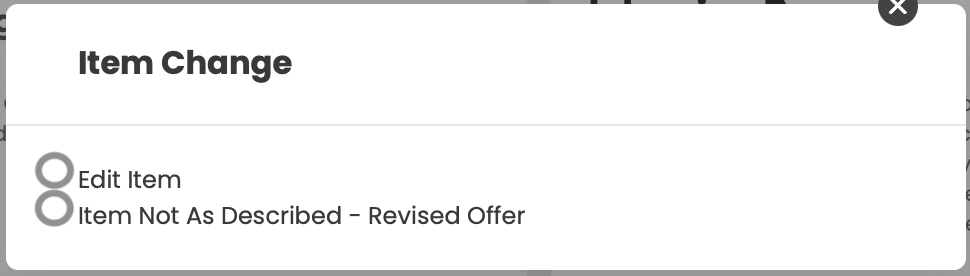
There is some user confusion behind the “Edit” button that resides on the BuyBack Order Detail, under the “…” button next to each item.
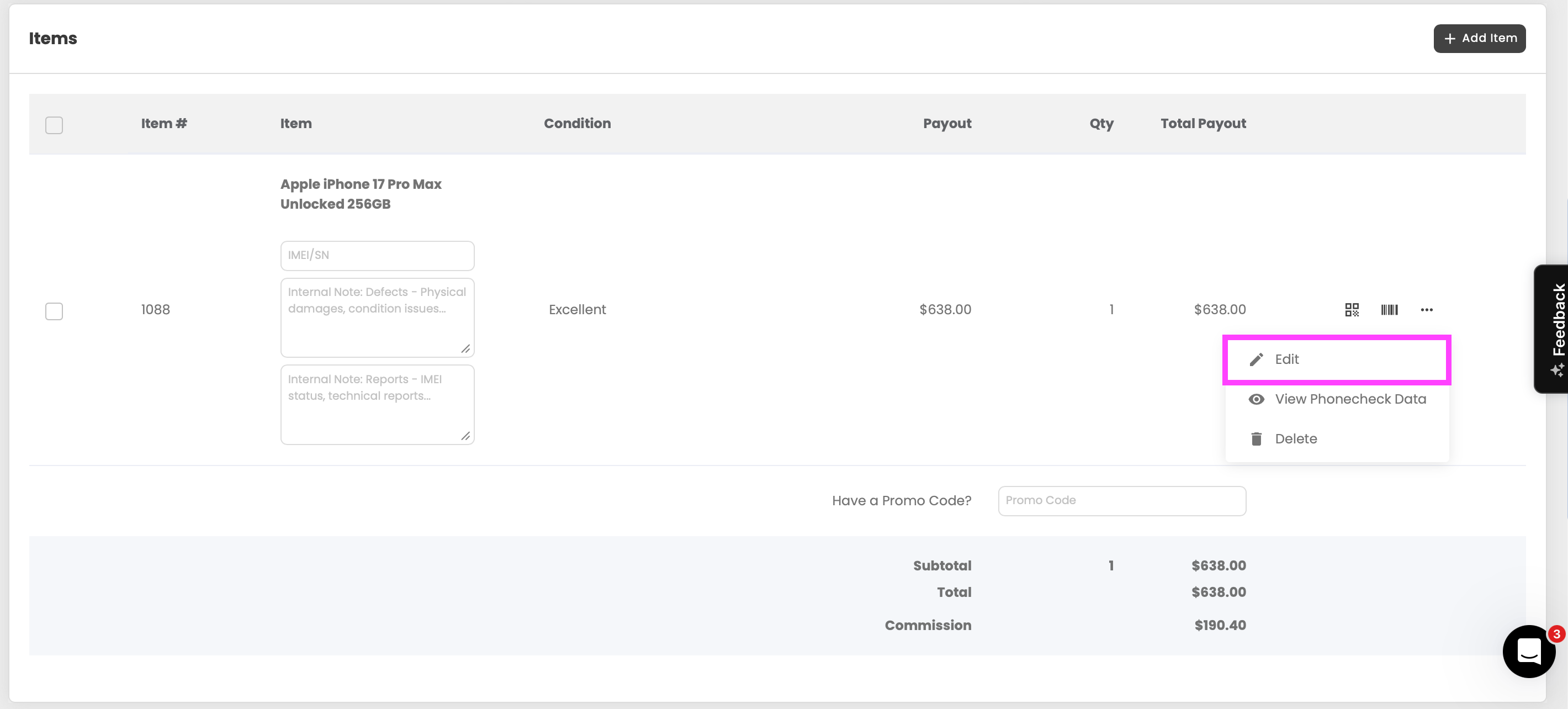
We find that staff are using this “Edit” button to enter a “Not as Described” Status change, because it automatically “saves” as they work on the order, then they realize that this flow changes the entire order, and then there isn’t a way to gain customer approval, which creates issues.
I think that there should be a Sub-Menu added to the Edit button (see photo below) 1 option to enter the regular edit flow, and 1 to enter the Not as Described Workflow, just for additional clarity.